
Toshiba Satellite A215-S6804 driver and firmware
Drivers and firmware downloads for this Toshiba item
Related Toshiba Satellite A215-S6804 Manual Pages
Download the free PDF manual for Toshiba Satellite A215-S6804 and other Toshiba manuals at ManualOwl.com
User Guide - Page 43
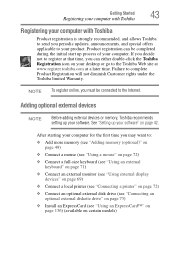
... To register online, you must be connected to the Internet.
Adding optional external devices
NOTE
Before adding external devices or memory, Toshiba recommends setting up your software. See "Setting up your software" on page 42.
After starting your computer for the first time you may want to:
❖ Add more memory (see "Adding memory (optional)" on page 49)
❖ Connect a mouse (see...
User Guide - Page 57
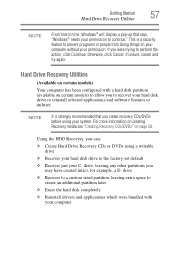
..., click Continue; otherwise, click Cancel. If unsure, cancel and try again.
Hard Drive Recovery Utilities
(Available on certain models)
Your computer has been configured with a hard disk partition (available on certain models) to allow you to recover your hard disk drive or reinstall selected applications and software features or utilities.
NOTE
It is strongly recommended that you create...
User Guide - Page 65
...status
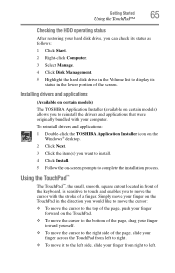
After restoring your hard disk drive, you can check its status as follows:
1 Click Start.
2 Right-click Computer.
3 Select Manage.
4 Click Disk Management.
5 Highlight the hard disk drive in the Volume list to display its status in the lower portion of the screen.
Installing drivers and applications
(Available on certain models)
The TOSHIBA Application Installer (available on certain models...
User Guide - Page 74
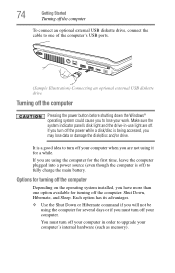
... connect an optional external USB diskette drive, connect the cable to one of the computer's USB ports.
(Sample Illustration) Connecting an optional external USB diskette drive
Turning off the computer
Pressing the power button before shutting down the Windows® operating system could cause you to lose your work. Make sure the system indicator panel's disk light and the drive-in-use light...
User Guide - Page 146
146
Toshiba Utilities
TOSHIBA Application Installer
TOSHIBA Application Installer
(Available on certain models)
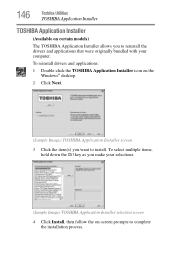
The TOSHIBA Application Installer allows you to reinstall the drivers and applications that were originally bundled with your computer.
To reinstall drivers and applications:
1 Double-click the TOSHIBA Application Installer icon on the Windows® desktop.
2 Click Next.
(Sample ...
User Guide - Page 159
.../BIOS password authentication system when booting up.
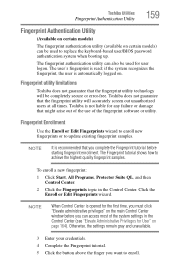
The fingerprint authentication utility can also be used for user logon. The user's fingerprint is read; if the system recognizes the fingerprint, the user is automatically logged on.
Fingerprint utility limitations
Toshiba does not guarantee that the fingerprint utility technology will be completely secure or error-free. Toshiba...
User Guide - Page 162
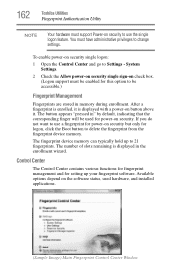
... memory can typically hold up to 21 fingerprints. The number of slots remaining is displayed in the enrollment wizard.
Control Center
The Control Center contains various functions for fingerprint management and for setting up your fingerprint software. Available options depend on the software status, used hardware, and installed applications.
(Sample Image) Main Fingerprint Control Center Window
User Guide - Page 175
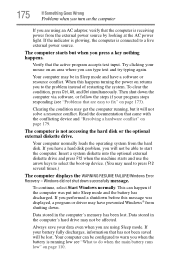
... a hard disk problem, you will not be able to start the computer. Insert a system diskette into the optional external diskette drive and press F12 when the machine starts and use the arrow keys to select the boot-up device. (You may need to press F12 several times.)
The computer displays the WARNING RESUME FAILURE/Windows Error Recovery - Windows did not...
User Guide - Page 178
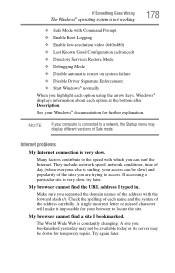
... Driver Signature Enforcement ❖ Start Windows® normally When you highlight each option using the arrow keys, Windows® displays information about each option at the bottom after Description. See your Windows® documentation for further explanation.
NOTE
If your computer is connected to a network, the Startup menu may display different versions of Safe mode.
Internet problems...
User Guide - Page 181
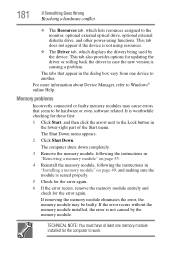
... the monitor, optional external optical drive, optional external diskette drive, and other power-using functions. This tab does not appear if the device is not using resources.
❖ The Driver tab, which displays the drivers being used by the device. This tab also provides options for updating the driver or rolling back the driver in case the new version is causing a problem.
The...
User Guide - Page 193
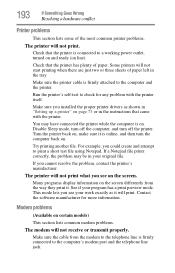
....
Make sure the printer cable is firmly attached to the computer and the printer.
Run the printer's self-test to check for any problem with the printer itself.
Make sure you installed the proper printer drivers as shown in "Setting up a printer" on page 73 or in the instructions that came with the printer.
You may have connected the printer while the computer is on...
User Guide - Page 196
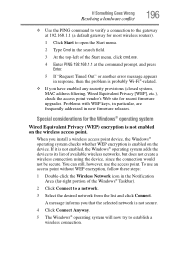
... point vendor's Web site for recent firmware upgrades. Problems with WEP keys, in particular, are frequently addressed in new firmware releases.
Special considerations for the Windows® operating system
Wired Equivalent Privacy (WEP) encryption is not enabled on the wireless access point.
When you install a wireless access point device, the Windows® operating system checks whether WEP...
User Guide - Page 198
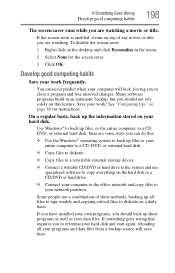
..., DVD, or external hard disk.
❖ Copy files to diskette.
❖ Copy files to a rewritable external storage device.
❖ Connect a writable CD/DVD or hard drive to the system and use specialized software to copy everything on the hard disk to a CD/DVD or hard drive.
❖ Connect your computer to the office network and copy files to your network partition.
Some people use...
User Guide - Page 199
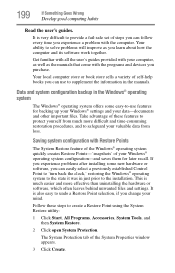
... can easily select a previously established Control Point to 'turn back the clock,' restoring the Windows® operating system to the state it was in just prior to the installation. This is much easier and more effective than uninstalling the hardware or software, which often leaves behind unwanted files and settings. It is also easy to...
User Guide - Page 202
... Goes Wrong
Develop good computing habits
202
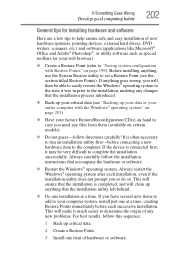
General tips for installing hardware and software
Here are a few tips to help ensure safe and easy installation of new hardware (printers, pointing devices, external hard drives, DVD writers, scanners, etc.) and software (applications like Microsoft® Office and Adobe® Photoshop®, or utility software such as special toolbars for...
User Guide - Page 204
...toshiba.com.
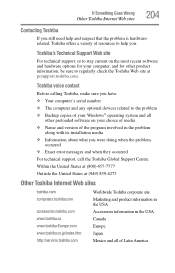
Toshiba voice contact
Before calling Toshiba, make sure you have: ❖ Your computer's serial number ❖ The computer and any optional devices related to the problem ❖ Backup copies of your Windows® operating system and all
other preloaded software on your choice of media ❖ Name and version of the program involved in the problem
along with its installation...
User Guide - Page 230
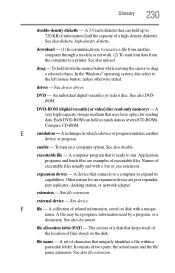
... from another computer through a modem or network. (2) To send font data from the computer to a printer. See also upload.
drag - To hold down the mouse button while moving the cursor to drag a selected object. In the Windows® operating system, this refers to
the left mouse button, unless otherwise stated.
driver - See device driver.
DVD - An individual digital versatile (or...
User Guide - Page 236
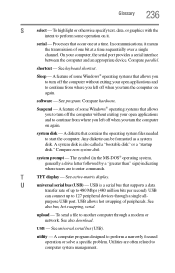
...universal serial bus (USB) - USB is a serial bus that supports a data
transfer rate of up to 480 Mbps (480 million bits per second). USB
can connect up to 127 peripheral devices through a single all-
purpose USB port. USB allows hot swapping of peripherals. See
also bus, hot swapping, serial.
upload - To send a file to another computer through a modem or network. See also download.
USB - See...
User Guide - Page 240
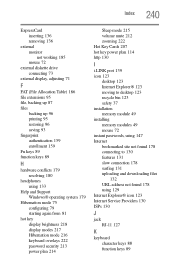
... key display brightness 218 display modes 217 Hibernation mode 216 keyboard overlays 222 password security 213 power plan 214
Sleep mode 215 volume mute 212 zooming 222 Hot Key Cards 207 hot key power plan 114 http 130
I
i.LINK port 139 icon 123
desktop 123 Internet Explorer® 123 moving to desktop 123 recycle bin 123 safety 37 installation memory module 49 installing memory...
User Guide - Page 241
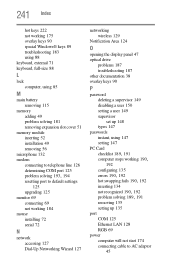
... COM port 125
problem solving 193, 194
resetting port to default settings 125
upgrading 125 monitor 69
connecting 69 not working 184 mouse installing 72 serial 72
N
network accessing 127 Dial-Up Networking Wizard 127
networking wireless 129
Notification Area 124
O
opening the display panel 47 optical drive
problems 187 troubleshooting 187 other documentation 38 overlay keys 90
P
password deleting...