
Toshiba Satellite P505-S8980 driver and firmware
Drivers and firmware downloads for this Toshiba item
Related Toshiba Satellite P505-S8980 Manual Pages
Download the free PDF manual for Toshiba Satellite P505-S8980 and other Toshiba manuals at ManualOwl.com
User Guide - Page 5
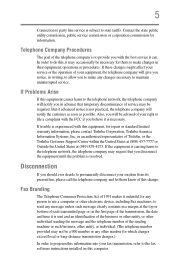
... should ever decide to permanently disconnect your modem from its present line, please call the telephone company and let them know of this change.
Fax Branding
The Telephone Consumer Protection Act of 1991 makes it unlawful for any person to use a computer or other electronic device, including Fax machines, to send any message unless such...
User Guide - Page 9
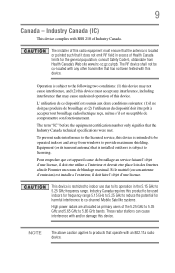
... interference to the licensed service, this device is intended to be operated indoors and away from windows to provide maximum shielding. Equipment (or its transmit antenna) that is installed outdoors is subject to... GHz to 5.25 GHz to reduce the potential for harmful interference to co-channel Mobile Satellite systems. High power radars are allocated as primary users of the 5.25 GHz to 5.35 GHz and...
User Guide - Page 31
...
31
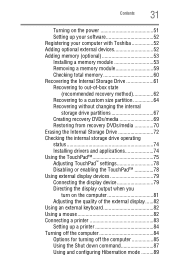
Turning on the power 51 Setting up your software 52 Registering your computer with Toshiba 52 Adding optional external devices 52 Adding memory (optional 53 Installing a memory module 53 Removing a memory module 59 Checking total memory 60 Recovering the Internal Storage Drive 61 Recovering to out-of-box state
(recommended recovery method 62 Recovering to a custom size partition...
User Guide - Page 34
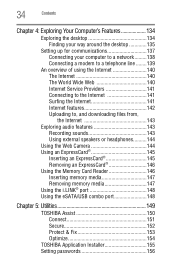
... an ExpressCard 145
Inserting an ExpressCard 145 Removing an ExpressCard 146 Using the Memory Card Reader 146 Inserting memory media 147 Removing memory media 147 Using the i.LINK® port 148 Using the eSATA/USB combo port 148
Chapter 5: Utilities 149
TOSHIBA Assist 150 Connect 151 Secure 152 Protect & Fix 153 Optimize 154
TOSHIBA Application Installer 155 Setting passwords 156
User Guide - Page 52
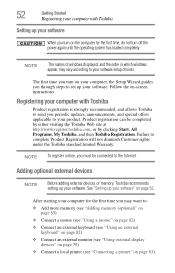
... the power again until the operating system has loaded completely.
NOTE
The names of windows displayed, and the order in which windows appear, may vary according to your software setup choices.
The first time you turn on your computer, the Setup Wizard guides you through steps to set up your software. Follow the on-screen instructions.
Registering your computer with Toshiba
Product registration...
User Guide - Page 160
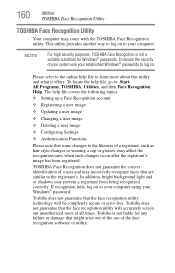
... ❖ Setting up a Face Recognition account
❖ Registering a user image
❖ Updating a user image
❖ Changing a user image
❖ Deleting a user image
❖ Configuring Settings
❖ ... to your computer using your Windows® password.
Toshiba does not guarantee that the face recognition utility technology will be completely secure or error-free. Toshiba does not ...
User Guide - Page 178
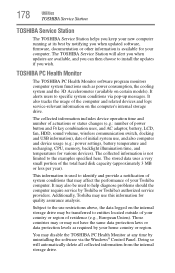
... best by notifying you when updated software, firmware, documentation or other information is available for your computer. The TOSHIBA Service Station will alert you when updates are available, and you can then choose to install the updates if you wish.
TOSHIBA PC Health Monitor
The TOSHIBA PC Health Monitor software program monitors computer system functions such as power consumption, the cooling...
User Guide - Page 185
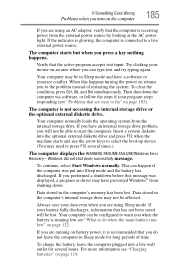
... an internal storage drive problem, you will not be able to start the computer. Insert a system diskette into the optional external diskette drive and press F12 when the machine starts and use the arrow keys to select the boot-up device. (You may need to press F12 several times.)
The computer displays the WARNING RESUME FAILURE/Windows Error Recovery - Windows did...
User Guide - Page 188
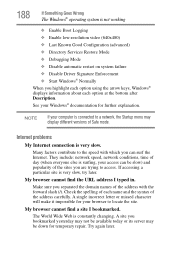
... Driver Signature Enforcement ❖ Start Windows® Normally When you highlight each option using the arrow keys, Windows® displays information about each option at the bottom after Description. See your Windows® documentation for further explanation.
NOTE
If your computer is connected to a network, the Startup menu may display different versions of Safe mode.
Internet problems...
User Guide - Page 189
... in the window and then follow the on-screen instructions.
You can connect to Support Online by clicking the Ask button and then clicking the Microsoft Customer Support or by going to Toshiba support at pcsupport.toshiba.com.
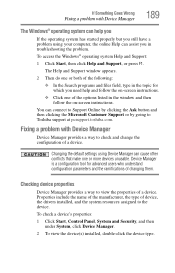
Fixing a problem with Device Manager
Device Manager provides a way to check and change the configuration of a device.
Changing the default settings using Device Manager...
User Guide - Page 190
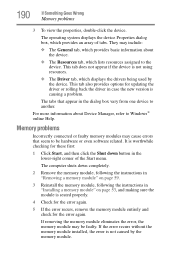
... also provides options for updating the driver or rolling back the driver in case the new version is causing a problem.
The tabs that appear in the dialog box vary from one device to another.
For more information about Device Manager, refer to Windows® online Help.
Memory problems
Incorrectly connected or faulty memory modules may cause errors that seem to...
User Guide - Page 192
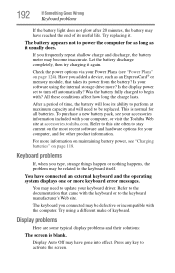
... completely, then try charging it again.
Check the power options via your Power Plans (see "Power Plans" on page 124). Have you added a device, such as an ExpressCard® or memory module, that takes its power from the battery? Is your software using the internal storage drive more? Is the display power set to turn off automatically? Was the battery fully charged...
User Guide - Page 197
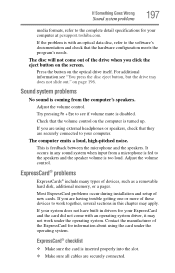
...your computer at pcsupport.toshiba.com.
If the problem is with an optical data disc, refer to the software's ...control.
ExpressCard® problems
ExpressCards® include many types of devices, such as a removable hard disk, additional memory, or a pager.
Most ExpressCard problems occur during installation and setup of new cards. If you are having trouble getting one or more of these devices...
User Guide - Page 202
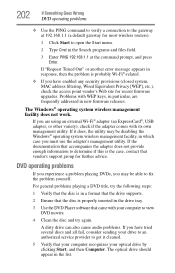
... system, MAC address filtering, Wired Equivalent Privacy [WEP], etc.), check the access point vendor's Web site for recent firmware upgrades. Problems with WEP keys, in particular, are frequently addressed in new firmware releases.
The Windows® operating system wireless management facility does not work.
If you are using an external Wi-Fi® adapter (an ExpressCard®, USB adapter, or...
User Guide - Page 204
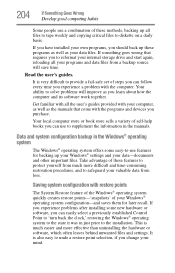
... can easily select a previously established Control Point to 'turn back the clock,' restoring the Windows® operating system to the state it was in just prior to the installation. This is much easier and more effective than uninstalling the hardware or software, which often leaves behind unwanted files and settings. It is also easy to...
User Guide - Page 206
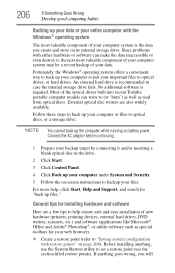
... it and/or inserting a blank optical disc in the drive.
2 Click Start.
3 Click Control Panel.
4 Click Back up your computer under System and Security.
5 Follow the on-screen instructions to backup your files.
For more help, click Start, Help and Support, and search for "back up files."
General tips for installing hardware and software
Here are a few tips...
User Guide - Page 207
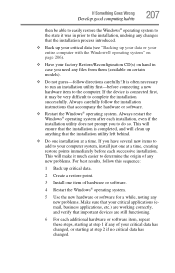
... hardware item to the computer. If the device is connected first, it may be very difficult to complete the installation successfully. Always carefully follow the installation instructions that accompany the hardware or software.
❖ Restart the Windows® operating system. Always restart the Windows® operating system after each installation, even if the installation utility does not...
User Guide - Page 210
... Something Goes Wrong
Other Toshiba Internet Web sites
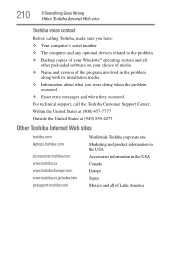
Toshiba voice contact
Before calling Toshiba, make sure you have: ❖ Your computer's serial number ❖ The computer and any optional devices related to the problem ❖ Backup copies of your Windows® operating system and all
other preloaded software on your choice of media ❖ Name and version of the program involved...
User Guide - Page 236
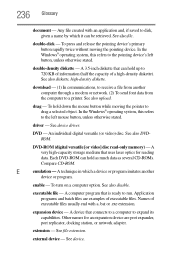
... from another computer through a modem or network. (2) To send font data from the computer to a printer. See also upload.
drag - To hold down the mouse button while moving the pointer to drag a selected object. In the Windows® operating system, this refers
to the left mouse button, unless otherwise stated.
driver - See device driver.
DVD - An individual digital versatile (or...
User Guide - Page 247
...
AC power 47
drive in-use indicator 108, 110
lock computer, using 95
M
main battery changing 127
installing 127, 128
removing 127 safety precautions 130 manual eject hole
optical drive 108, 110
memory adding 53 problem solving 190 removing memory module slot cover 55
memory module installation 53 installing inserting into socket 56
removing 59, 60
memory module slot 55 microphone
using 143 modem...